





Did you know the official WordPress plugins directory offers over 60,000 free plugins? What’s even more interesting is that thousands of premium WordPress plugins are also available from third-party developers and companies.
With so many plugin choices available, picking the best WordPress plugins can be difficult. This is why we compiled a list of the 15 best WordPress plugins in 2025.
15 Best WordPress Plugins

Wondering what WordPress plugins to include in your toolkit for 2025? Here is a list of the must-have WordPress plugins:
1. [SEOPress](https://wordpress.org/plugins/wp-seopress/)
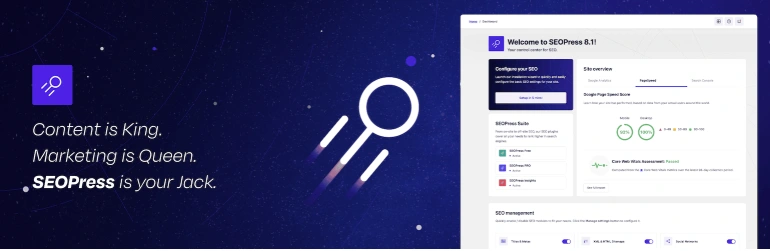
Best For: Affordable, ad-free SEO solutions.
SEOPress is a top contender among the best WordPress plugins for SEO. It helps improve website SEO performance with tools for metadata optimization, XML sitemaps, and social media previews.
Pros
- Clean and Ad-Free Interface
- Comprehensive SEO Tools
- Integration Options (Google Analytics, WooCommerce)
- Affordable Pricing
- AI Integration for SEO-friendly titles and content
Cons
- Limited Support for Free Version
- AI Feature in Development
- Fewer Tutorials
Pricing
- Free Plan: Basic SEO tools
- Pro Plan (5 sites): $49/year
- Pro Plan (Unlimited Sites): $149/year
2. [Yoast SEO](https://wordpress.org/plugins/wordpress-seo/)

Best For: Beginners looking for real-time content suggestions.
Yoast SEO is popular for optimizing content and improving search engine rankings.
Pros
- Content Optimization
- Built-In Readability Analysis
- Advanced Technical SEO Features
- Automatic XML Sitemaps
- Frequent Updates
Cons
- Complex for Beginners
- Premium Features Are Paid
- Potential for Over-Optimization
Pricing
- Free Plan: Key features
- Premium Plan: $99/year
3. [All-In-One SEO (AIOSEO)](https://wordpress.org/plugins/all-in-one-seo-pack/)
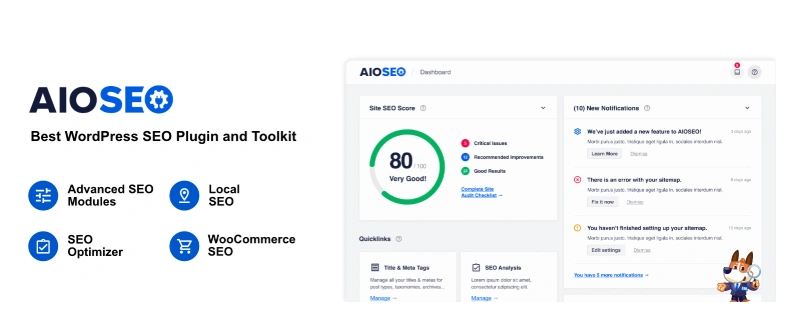
Best For: Comprehensive SEO tools with beginner-friendly features.
AIOSEO is used by over 3 million website owners for search engine optimization.
Pros
- User-Friendly Setup
- Comprehensive SEO Tools
- WooCommerce Integration
- Regular Updates
- Detailed Documentation
Cons
- Limited Free Features
- Learning Curve
- Performance Impact
Pricing
- Free version available
- Basic: $49.60/year
- Plus: $99.60/year
- Pro: $199.60/year
- Elite: $299.60/year
4. [RankMath SEO](https://wordpress.org/plugins/seo-by-rank-math/)
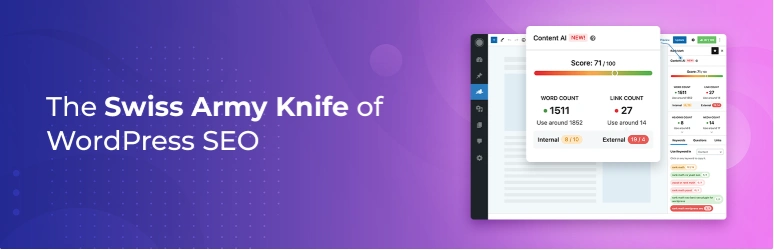
Best For: Power users seeking robust, free SEO features.
Rank Math offers built-in suggestions and advanced SEO analysis.
Pros
- Comprehensive Free Version
- User-Friendly Interface
- Advanced SEO Analysis
- Schema Markup Support
- Regular Updates
Cons
- Potential Compatibility Issues
- Overwhelming Features
- Limited Support in Free Version
Pricing
- Free version available
- Pro: $6.99/month
- Business: $20.99/month
- Agency: $49.99/month
5. [WP Rocket](https://wp-rocket.me/)
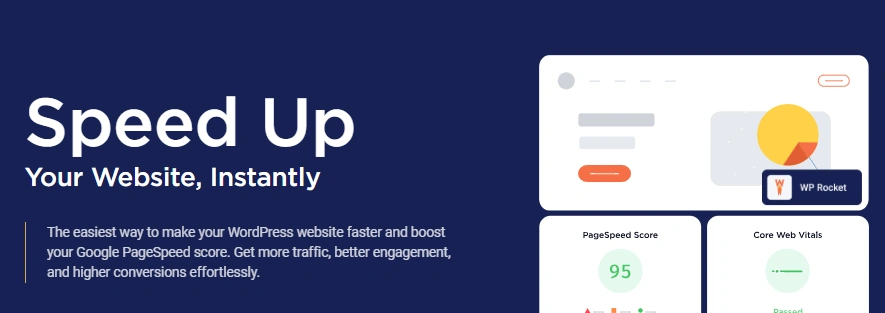
Best For: Improving site speed with minimal setup.
WP Rocket is a premium caching plugin for speed and performance.
Pros
- User-Friendly Interface
- Immediate Results
- Comprehensive Caching
- Lazy Loading
- CDN Integration
Cons
- Premium Only
- Potential Conflicts
- Learning Curve
Pricing
- Single: $59/year
- Plus: $119/year
- Infinite: $299/year
6. [SEMRush Writing Assistant](https://wordpress.org/plugins/semrush-seo-writing-assistant/)
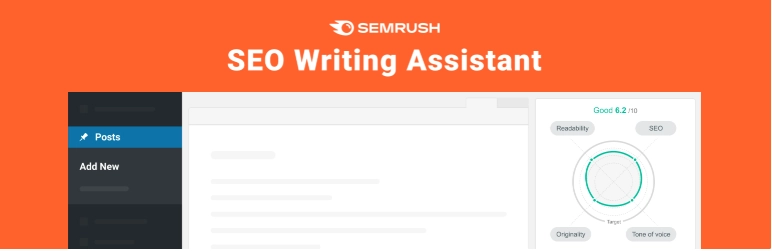
Best For: Optimizing content for SEO and readability.
Provides real-time suggestions for SEO, readability, and originality.
Pros
- Real-Time Optimization
- Readability Analysis
- Plagiarism Checker
- Tone of Voice Evaluation
- Keyword Recommendations
Cons
- Requires SEMrush Account
- Premium Pricing
- Limited Free Usage
Pricing
- Free Access: Limited
- Pro: $139.95/month
- Guru: $249.95/month
- Business: $499.95/month
7. [Ahrefs](https://ahrefs.com/wordpress-seo-plugin)

Best For: Advanced SEO professionals and agencies.
Ahrefs offers backlink analysis, keyword research, and site audits.
Pros
- Backlink Analysis
- Keyword Research
- Competitor Analysis
- Content Gap Analysis
- Site Audit
Cons
- Premium Pricing
- Complex Interface
- Limited Free Features
Pricing
- Lite: $99/month
- Standard: $199/month
- Advanced: $399/month
- Enterprise: $999/month
8. [Schema Pro](https://wpschema.com/)

Best For: Adding schema markup with ease.
Simplifies schema markup for rich snippets.
Pros
- Easy Implementation
- Supports Multiple Schema Types
- Automatic Mapping
- Real-Time Testing
- Improved SEO
Cons
- Premium Pricing
- Learning Curve
- Limited Customization
Pricing
- Annual: $69/year
- Lifetime: $229
9. [Redirection](https://wordpress.org/plugins/redirection/)

Best For: Managing 301 redirects and monitoring 404 errors.
Free plugin for redirects and error tracking.
Pros
- User-Friendly Interface
- 404 Error Monitoring
- Conditional Redirects
- Full Logging
- Regular Updates
Cons
- Performance Impact
- Complexity for Beginners
- Limited Support
Pricing
- Free
10. [Monster Insights](https://wordpress.org/plugins/google-analytics-for-wordpress/)
Best For: Simplifying Google Analytics integration.
Brings Google Analytics data into WordPress dashboard.
Pros
- Easy Setup
- Real-Time Stats
- Enhanced Ecommerce Tracking
- Customizable Reports
- Affiliate Link Tracking
Cons
- Premium Features Locked
- Performance Concerns
- Costly Paid Plan
Pricing
- Free Version
- Plus: $99.60/year
- Pro: $199.60/year
- Agency: $399.60/year
11. [Internal Link Juicer](https://wordpress.org/plugins/internal-links/)

Best For: Automating internal linking for SEO.
Automates internal linking based on keywords.
Pros
- Automated Linking
- Anchor Text Diversification
- Performance Optimized
- Detailed Statistics
- Blacklist and Whitelist Control
Cons
- Initial Setup Time
- Overlinking Risk
- Premium Features Cost
Pricing
- Free Version
- Pro: $69.99/year
12. [Easy Table Of Contents](https://wordpress.org/plugins/easy-table-of-contents/)
Best For: Improving content navigation on long pages.
Automatically generates a table of contents.
Pros
- Automatic Generation
- Customization Options
- Compatibility
- User Control
- Widget Support
Cons
- Limited Advanced Features
- Potential Styling Issues
- No Dedicated Support for Free Version
Pricing
- Free Version
- Personal: $49/year
- Multiple: $69/year
- Webmaster: $79/year
- Freelancer: $99/year
- Agency: $199/year
- Lifetime: $499
13. [Auto-Sizes for Lazy-Loaded Images](https://instawp.com/plugin/auto-sizes/)
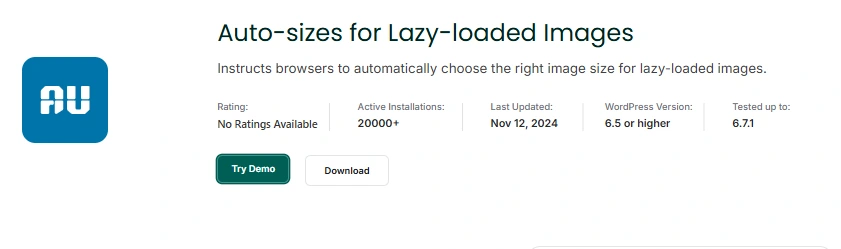
Best For: Seamless image optimization without additional plugins.
Automatically adds sizes="auto" to lazy-loaded images.
Pros
- Improved Performance
- Automatic Implementation
- Standards Compliance
- Integration with Existing Plugins
- No Configuration Needed
Cons
- Compatibility Concerns
- Limited Control
- Experimental Status
Pricing
- Free (WordPress core enhancement)
14. Divi Supreme
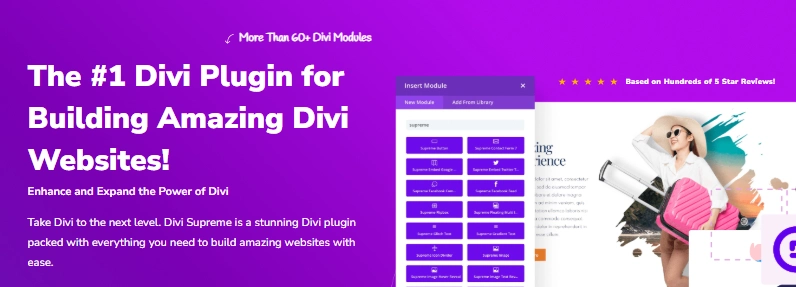
Best For: Extending Divi theme functionality.
Adds 60+ advanced modules and extensions to Divi.
Pros
- Extensive Module Library
- User-Friendly Interface
- Regular Updates
- Active Community and Support
Cons
- Learning Curve
- Potential Performance Impact
- Premium Features Require Purchase
Pricing
- Professional: $79/year
- Agency: $269 (lifetime)
15. [BDOW! (Formerly Sumo)](https://wordpress.com/plugins/sumome)

Best For: Growing email lists and boosting engagement.
Helps grow email lists and improve conversions with forms and pop-ups.
Pros
- Advanced Targeting Rules
- Built-in A/B Testing
- Professional Templates
- Email Marketing Integrations
- WooCommerce Compatibility
Cons
- Potential Performance Impact
- Learning Curve
Pricing
- Free: $0/month
- Starter: $12/month
- Plus: $19/month
- Pro: $39/month
Quick Recap - 15 Best WordPress Plugins
| Plugin Name | Best For | Pros | Cons | Free Plan | Premium Plan Price (Starting) |
|---|---|---|---|---|---|
| SEOPress | Affordable, ad-free SEO solutions | Clean interface, affordable | Limited support for free | Yes | $49/year |
| Yoast SEO | Beginners, real-time suggestions | Content optimization | Complex interface for newbies | Yes | $99/year |
| All-In-One SEO | Beginner-friendly SEO tools | User-friendly, WooCommerce | Limited free features | Yes | $49.60/year |
| RankMath SEO | Robust, free SEO features | Feature-rich free version | Compatibility issues | Yes | $6.99/month |
| WP Rocket | Improving site speed | Immediate speed, CDN | Premium-only, learning curve | No | $59/year |
| SEMRush Assistant | SEO & readability optimization | Real-time, plagiarism check | Requires SEMrush account | Limited | $139.95/month |
| Ahrefs | Advanced SEO tools | Backlink, competitor insights | High pricing, complex UI | No | $99/month |
| Schema Pro | Adding schema markup | Easy schema, real-time test | Premium-only, customization | No | $69/year |
| Redirection | Redirects, tracking 404 errors | User-friendly, error tracking | Performance, support | Yes | Free |
| Monster Insights | Google Analytics integration | Real-time stats, eCommerce | Performance, costly plan | Yes | $99.60/year |
| Internal Link Juicer | Automating internal linking for SEO | Automated linking, diversity | Overlinking, setup time | Yes | $69.99/year |
| Easy TOC | Content navigation | Automatic TOC, compatibility | Styling, advanced features | Yes | $49/year |
| Auto-Sizes Images | Seamless image optimization | Improved performance | Experimental, compatibility | Yes | Free |
| Divi Supreme | Extending Divi theme functionality | Extensive modules, user-friendly | Performance impact | Yes | $79/year |
| BDOW! (Sumo) | Growing email lists, engagement | Targeting, A/B testing | Learning curve, performance | Yes | $12/month |
Wrapping Up - Best WordPress Plugins
Choosing the right WordPress plugins can boost your website's functionality, performance, and user experience. Whether you need design, SEO, marketing, or speed optimization tools, the best WordPress plugins listed above offer top solutions for 2025.
Your website also needs reliable hosting for smooth integration and performance. FastCow WordPress Hosting provides the speed, security, and support you need to power your site effectively. With FastCow, you can ensure your website runs smoothly, no matter which plugins you choose.
Get FastCow’s Managed WordPress Hosting today to take your WordPress site to the next level!
FAQs
Which is the best plugin for WordPress? The best WordPress plugin depends on your needs. Elementor is a top choice for design. For SEO, Yoast SEO and Rank Math are highly recommended, while WP Rocket is ideal for improving website speed.
What is the best WordPress form plugin? WPForms is considered one of the best form plugins for WordPress. It’s beginner-friendly, offers pre-built templates, and has features like form analytics and integrations with popular email marketing tools.
What is the most sold WordPress plugin? Yoast SEO is one of the most widely used and sold WordPress plugins due to its robust SEO features and ease of use.
What is the best WordPress plugin for SEO? Yoast SEO, Rank Math, and SEOPress are all among the best WordPress plugins for improving your website’s SEO. Each offers unique features tailored to different user needs.
What is the best theme in WordPress? Divi is one of the best WordPress themes, offering a built-in page builder, pre-designed templates, and a wide range of customization options. It’s perfect for creating professional websites without coding.