





SSL certificates help secure websites by encrypting data shared between users and servers. They protect sensitive information like login details, credit card numbers, and personal data from cyber threats.
Over 90% of top-ranked websites use HTTPS, showing how essential SSL is for online success. Without it, sites are vulnerable to attacks like data interception and identity theft. These risks can damage trust and lead to significant losses for businesses.
This article will guide you through understanding SSL certificates. You’ll learn how they work, the different types available, and the many benefits they offer. By the end, you’ll see why SSL is critical for safeguarding your website and building user confidence.
What Is an SSL Certificate?
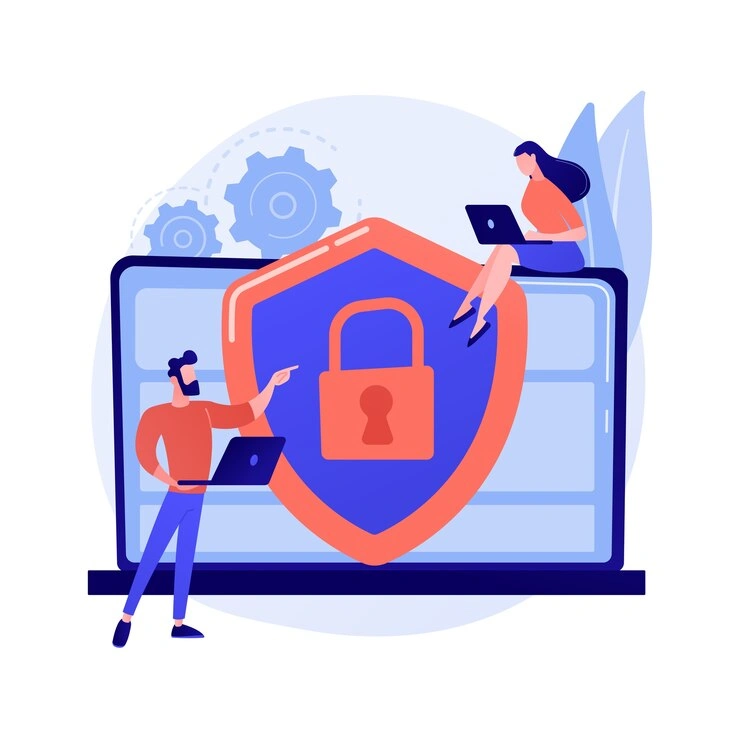
An SSL certificate protects data by encrypting information exchanged between users and websites. It ensures safe communication and prevents unauthorized access.
Imagine it as a digital lock that only the intended recipient can open. It confirms a website's authenticity and secures interactions.
SSL certificates are vital for maintaining online security. They verify website ownership and build trust with visitors. Additionally, they help businesses comply with data protection standards and regulations.
SSL, short for Secure Sockets Layer, was an early encryption protocol. It evolved into TLS (Transport Layer Security), which offers stronger safeguards while keeping the familiar name SSL.
Using SSL/TLS certificates, websites create a secure environment for visitors, building confidence and improving safety.
How SSL Certificates Work
Simplified Process
SSL certificates secure connections through a series of steps:
- Connection Request: A user’s browser contacts the website’s server, requesting a secure link.
- Certificate Exchange: The server sends its SSL certificate to the browser for validation.
- Verification: The browser checks the certificate’s authenticity using a trusted authority.
- Encrypted Communication: An encrypted session begins after approval, ensuring all data remains private.
Key Concepts
Public and Private Keys
Think of a public key as a lock and the private key as its unique opener. A message encrypted with the public key can only be read using the private one, guaranteeing secure communication.
Encryption
During transmission, data is scrambled into unreadable code, which ensures hackers can’t steal or alter sensitive information such as credit card numbers or personal data.
Using SSL/TLS certificates ensures every interaction between the server and its users stays secure and trustworthy.
Why Your Website Needs an SSL Certificate
Core Benefits
- Data Security: SSL certificates protect sensitive information from interception.
- SEO Boost: Google uses HTTPS as a ranking factor.
- Customer Trust: A secure connection displays a padlock in the browser bar.
- Regulatory Compliance: SSL is critical for standards like PCI DSS.
Websites without SSL trigger browser warnings. Visitors often leave when they see “This site is not secure,” costing businesses customers and trust.
SEO Insights
- Higher Rankings: HTTPS websites enjoy better visibility.
- Speed Boost with HTTP/2: HTTPS enables HTTP/2, improving load times.
- Improved Mobile Experience: Secure, fast pages work better across devices.
SSL certificates protect your website while boosting performance and search visibility.
Types of SSL Certificates
SSL certificates come in various forms, depending on validation level and coverage needs.
By Validation Level
- Domain Validated (DV): Quick to obtain and affordable; verifies domain ownership.
- Organization Validated (OV): Validates organization identity plus domain.
- Extended Validation (EV): Highest trust with thorough organization vetting.
By Coverage
- Single-Domain SSL: Protects one domain or subdomain.
- Wildcard SSL: Secures a domain and unlimited subdomains (e.g., *.example.com).
- Multi-Domain SSL: Secures multiple distinct domains under one certificate.
Comparison Table
| Category | Type | Description | Ideal For |
|---|---|---|---|
| By Validation Level | Domain Validated (DV) | Verifies domain ownership; quick and affordable. | Personal blogs, small websites |
| By Validation Level | Organization Validated (OV) | Verifies domain and organization identity. | Businesses handling user data |
| By Validation Level | Extended Validation (EV) | Highest trust with extensive organization verification. | Banks, e-commerce, high-trust sites |
| By Coverage | Single-Domain SSL | Secures one domain or subdomain. | Simple website structures |
| By Coverage | Wildcard SSL | Secures a domain and unlimited subdomains. | Growing businesses |
| By Coverage | Multi-Domain SSL | Secures multiple domains under one certificate. | Large organizations |
How to Obtain and Install an SSL Certificate
Securing your website involves a few simple steps.
Step-by-Step Guide
- Choose the Right Certificate: Identify your website’s needs (DV for blogs; OV/EV for businesses).
- Generate a Certificate Signing Request (CSR): Contains your public key and domain details.
- Purchase or Obtain the Certificate: Use a trusted CA or free options like Let’s Encrypt.
- Install and Configure the Certificate: Upload to your server and configure redirects to HTTPS.
- Test Your Setup: Use tools like SSL Labs to check for errors or vulnerabilities.
Common Mistakes to Avoid
- Incorrect WHOIS Information: Keep registration details accurate.
- Forgetting Renewal Deadlines: Certificates expire; automate renewals where possible.
Challenges and Misconceptions About SSL Certificates
Common Issues
- Expired Certificates: Cause browser warnings; renew promptly.
- Mixed Content Errors: Update HTTP resources to HTTPS to avoid breaks.
Myths About SSL
- “HTTPS Makes Websites Fully Secure”: HTTPS encrypts data in transit but doesn't prevent phishing or malware.
- “SSL Certificates Are Too Expensive”: Free options like Let’s Encrypt provide basic protection.
Pro Tips
- Automate Renewals to avoid downtime.
- Check Browser Compatibility across devices and browsers.
How SSL Impacts SEO and Website Performance
SEO Benefits
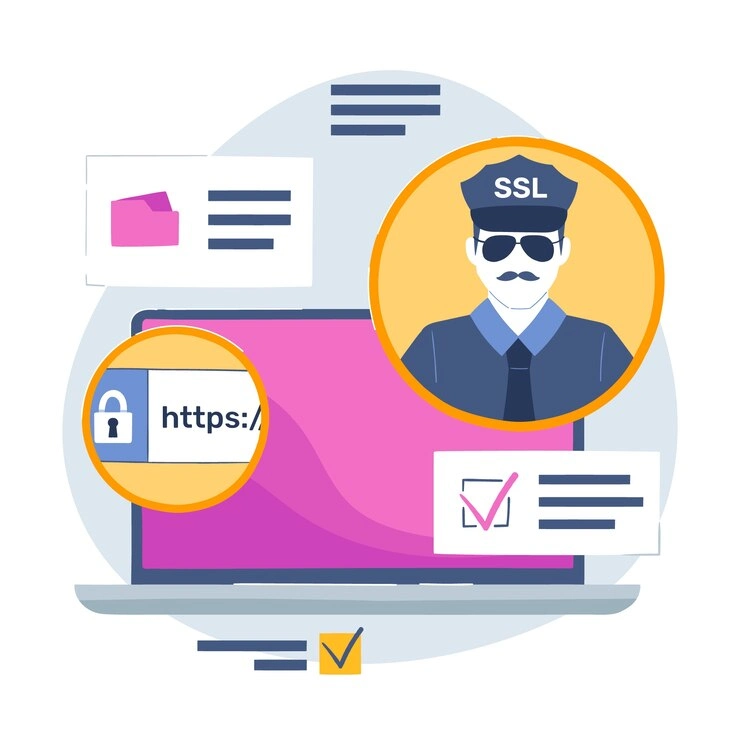
- Higher Rankings: HTTPS is a ranking factor.
- Increased User Trust: Reduces bounce rates and improves engagement.
- Better Engagement: Secure sites retain users longer.
Performance Insights
- HTTP/2: HTTPS enables faster loading by multiplexing requests.
- Improved Mobile Experience: Secure, fast pages perform better on mobile.
SSL for Large Businesses
- Enterprise Management Tools: Track and manage multiple certificates.
- Wildcard vs. Multi-Domain: Wildcard for subdomain hierarchies; multi-domain for diverse domains.
- Automation: Streamline renewals and reduce errors.
The Future of SSL/TLS

Emerging Trends
- Shorter Validity Periods: One-year max helps maintain up-to-date security.
- Automated Issuance: Reduces setup time and complexity.
- Quantum-Resistant Encryption: Preparing for future quantum threats.
Security Beyond SSL
- HSTS: Forces HTTPS connections.
- DNSSEC: Secures domain lookups.
Final Words
SSL certificates secure communication, protect data, and build user trust. Whether for a blog or a large enterprise, SSL/TLS is essential for security, SEO, and compliance. Choose the right type, manage renewals, and adopt automation and complementary protections to maintain digital trust.
Fastcow provides solutions to help businesses implement SSL seamlessly. Protect your website and enhance user confidence today.
FAQs
Q. What is the purpose of an SSL certificate?
An SSL certificate secures communication by encrypting sensitive data and verifies a website's authenticity to prevent man-in-the-middle attacks.
Q. Do I need an SSL certificate?
Yes. SSL prevents “not secure” warnings, improves SEO, and is required for compliance on e-commerce and data-driven sites.
Q. What are the 3 types of SSL certificates?
- DV (Domain Validated): Quick and suitable for small sites.
- OV (Organization Validated): Verifies business identity.
- EV (Extended Validation): Highest trust for financial/e-commerce sites.
Q. How do I fix an SSL certificate error?
- Renew expired certificates.
- Correct configuration to match the domain.
- Fix mixed content by updating resources to HTTPS.
- Clear browser cache or test with SSL Labs for diagnostics.
Q. How do I reset my SSL certificate?
- Revoke the old certificate with your CA.
- Generate a new CSR.
- Obtain and install the new certificate.
- Test the installation.