





WordPress is the most popular website builder worldwide but is not the only choice. Many alternatives offer unique features to suit different needs. From easy drag-and-drop builders to advanced customization tools, these platforms can help you create stunning websites without much effort.

With technology advances, many new platforms offer innovative tools to help you quickly and efficiently create a website. Let’s go over some of the top WordPress alternatives in 2025. We will also discuss paid and free WordPress alternatives and who they are best suited for.
Criteria for Choosing a WordPress Alternative
Consider the following key factors when choosing an alternative to WordPress. These will help you find the right platform for your needs.
- Purpose of the Website: Consider the kind of website you wish to build (online store, blog, portfolio). Platforms provide different features—Shopify for e-commerce, Webflow for designers, etc.
- Technical Expertise: Some platforms (Squarespace, Wix) are easy and require no code; others (Drupal, Joomla) need technical knowledge but offer more customization.
- Budget Considerations: Free platforms may be limited; paid platforms offer more tools and support. Choose based on both needs and budget.
- Scalability: Consider future growth. Some platforms handle complex, larger sites better than others.
- Support and Community: Check for active communities and customer support for troubleshooting and resources.
Top Alternatives to WordPress
There are other options with unique capabilities if WordPress isn't your best choice. In 2025, consider the following:
1. Wix
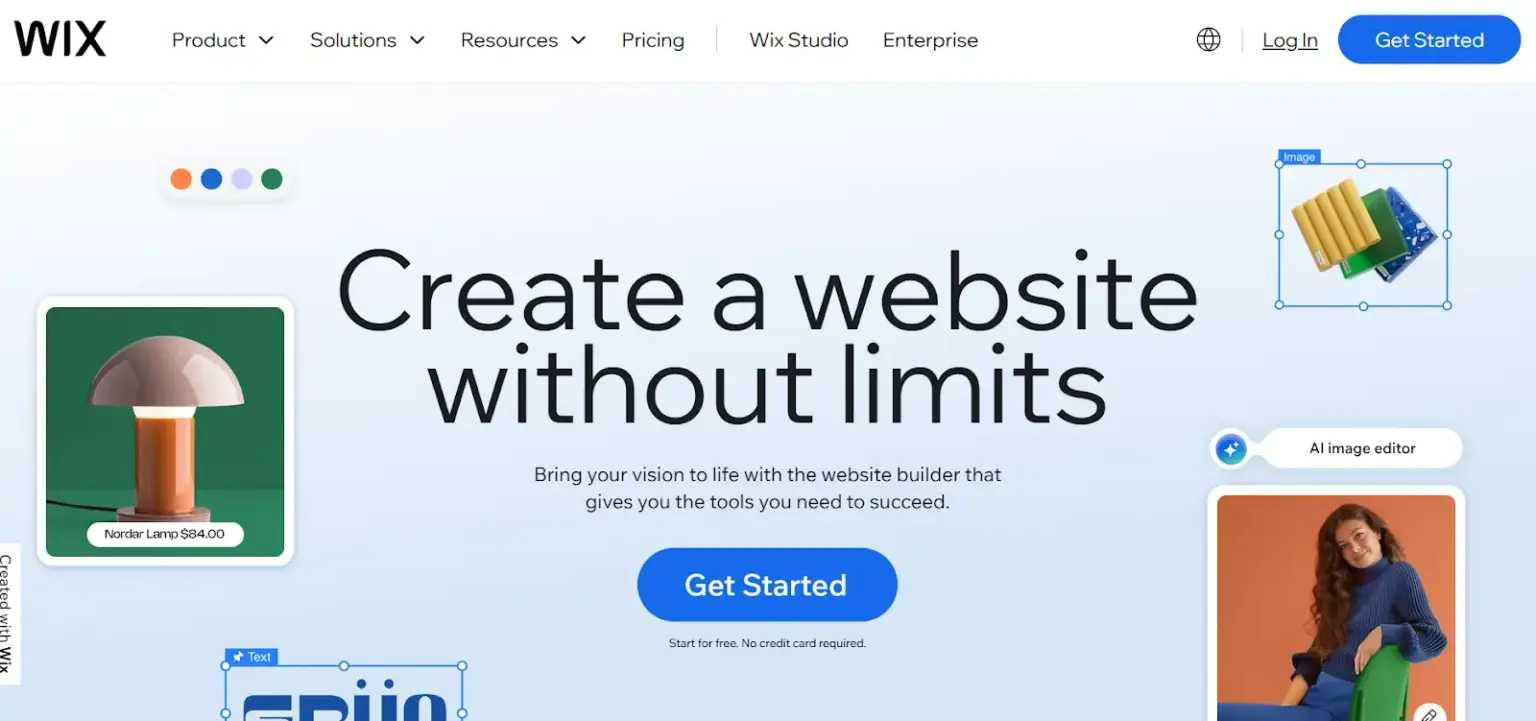
Wix is a beginner-friendly website builder that uses a drag-and-drop interface and offers an AI-powered site builder.
Features
- App Market with 300+ add-ons.
- Mobile-optimized templates.
- Built-in analytics.
- Video backgrounds and animations.
- Blogging tools with scheduling and tagging.
Pros
- Extensive template library.
- Regular updates.
- Free plan available.
Cons
- Free plan includes Wix branding.
- Limited scalability vs. CMS platforms.
2. Webflow
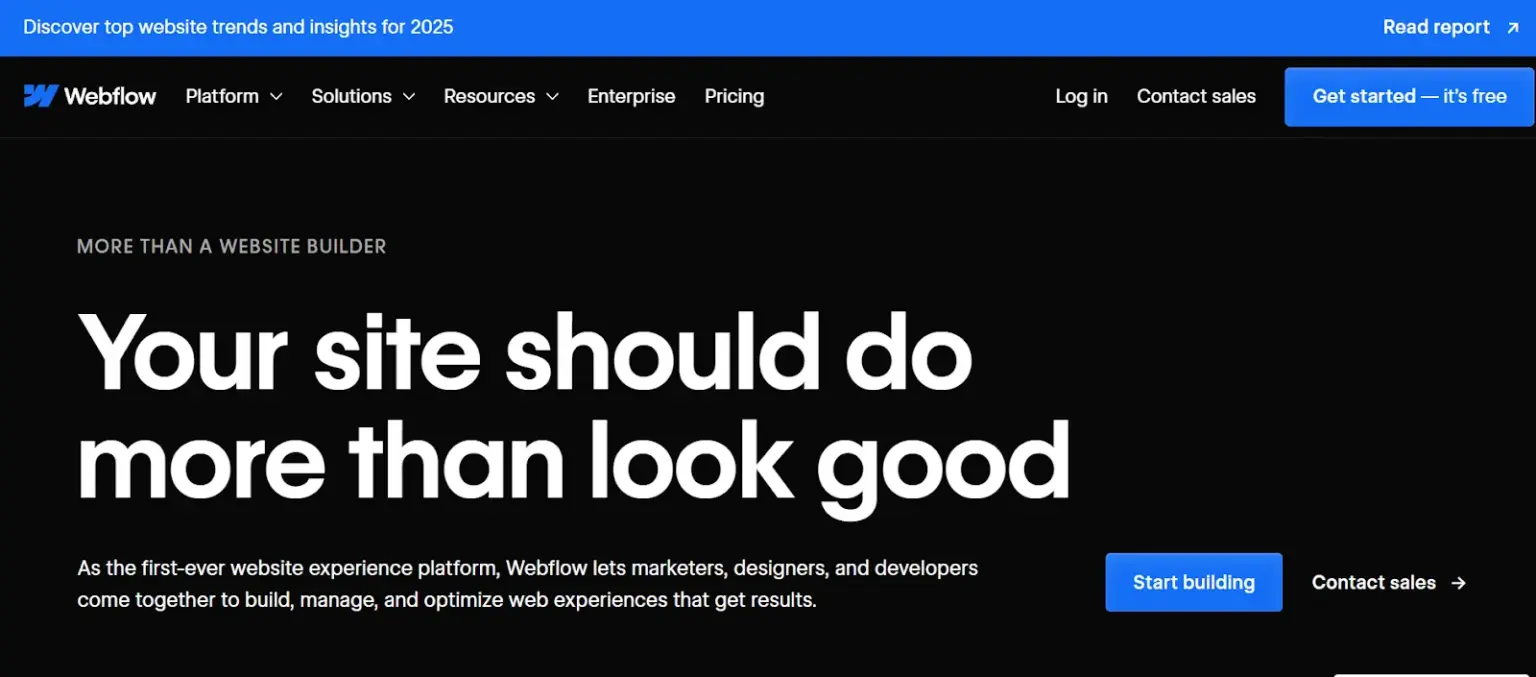
Webflow combines design and development, offering visual layout control and a robust CMS.
Features
- Visual drag-and-drop layout builder.
- Responsive auto-adjustment.
- Built-in SEO controls (meta, alt text).
- E-commerce tools and product management.
- Custom HTML/CSS/JS support.
Pros
- High design control and optimization.
- Built-in features reduce security risk.
Cons
- Steeper learning curve.
- Pricing higher than simpler builders.
3. Shopify
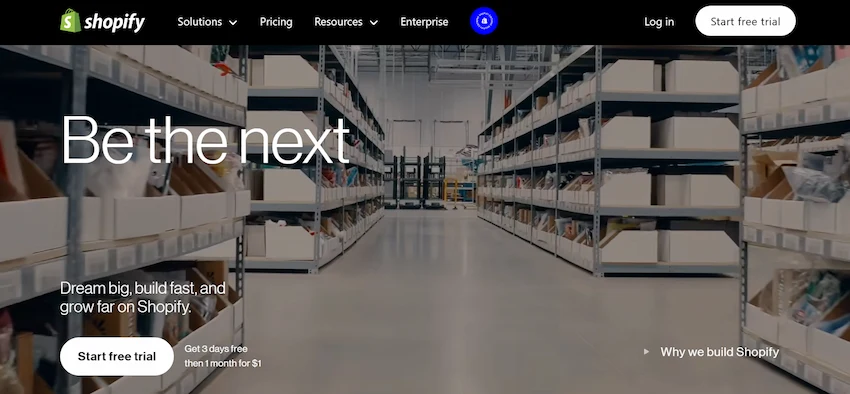
Shopify is focused on e-commerce with product listing, payments, inventory, and multichannel selling.
Features
- Product and inventory management.
- Multiple payment gateways.
- Shipping rate calculation and label printing.
- SEO, email marketing, and social selling tools.
Pros
- Easy setup for e-commerce.
- Secure payment processing.
- Large app store and reliable support.
Cons
- Costs can grow with apps.
- Extra fees if not using Shopify Payments.
4. Squarespace
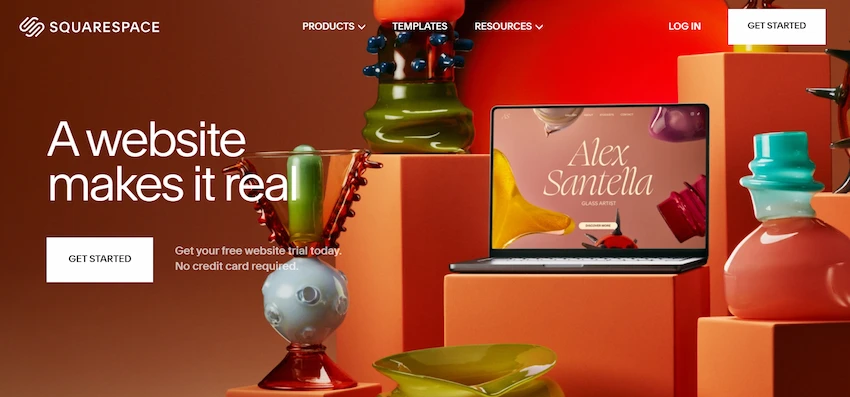
Squarespace is known for elegant templates and ease of use, favored by creatives.
Features
- High-quality templates.
- Built-in email marketing.
- Basic SEO tools.
- Traffic and performance insights.
- Booking tools.
Pros
- Visually stunning templates.
- Intuitive editor and integrated hosting/domain.
Cons
- Paid plans after trial.
- Limited advanced customization.
Also Read: 10 Best Shopify Alternatives for E-commerce Success in 2025.
5. Joomla
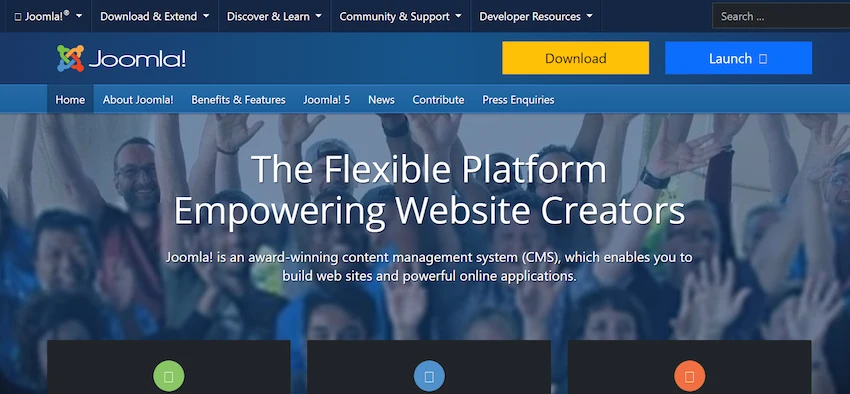
Joomla is a flexible CMS suitable for larger sites and complex needs.
Features
- Multilingual support out of the box.
- Advanced user roles and permissions.
- Thousands of extensions.
- Content versioning and admin customization.
Pros
- Active community and regular updates.
- Core software is free.
Cons
- More complex; steeper learning curve.
6. Drupal
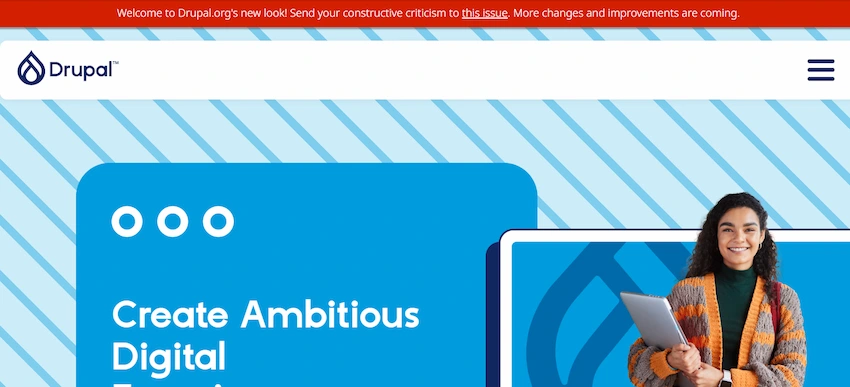
Drupal targets developers and enterprises needing high customization, security, and scalability.
Features
- Fine-grained control of fields, content types, and relationships.
- Detailed access control.
- Third-party integrations.
- Built-in multilingual support.
- Thousands of modules.
Pros
- Strong security and scalability.
- Highly customizable for developers.
Cons
- Requires manual updates, backups, and technical expertise.
7. Weebly
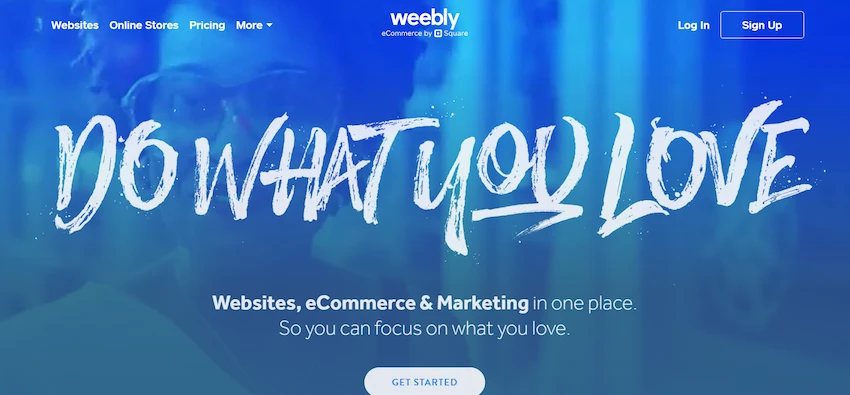
Weebly is a simple, affordable drag-and-drop builder ideal for beginners and small businesses.
Features
- Intuitive element placement.
- E-commerce and inventory tools.
- Mobile-friendly templates.
- Basic SEO features.
- 200+ apps.
Pros
- Beginner-friendly and competitively priced.
- Fast site launch.
Cons
- Some templates are outdated.
- Limited advanced marketing features.
8. Ghost
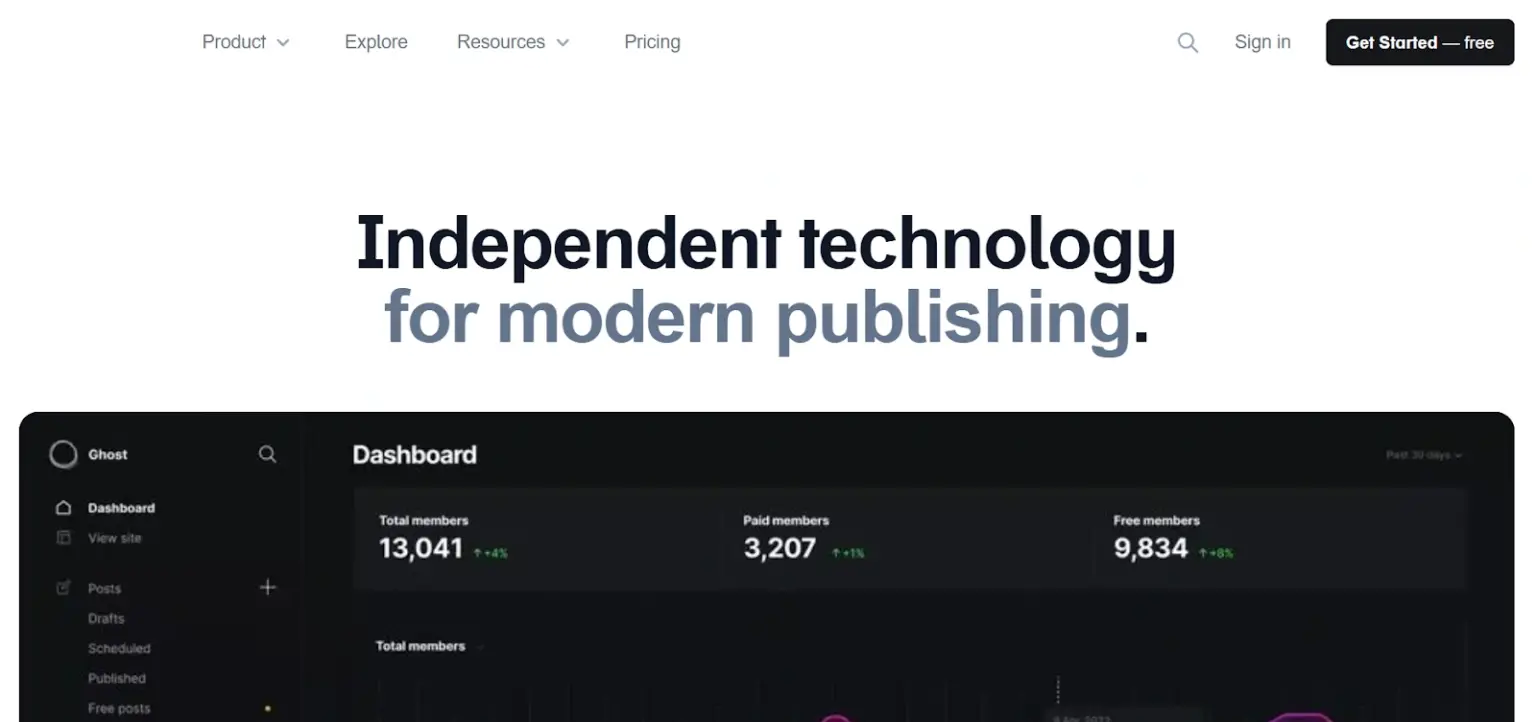
Ghost is a publishing platform focused on blogging, memberships, and subscriptions.
Features
- Markdown-based writing and formatting.
- Subscription and member management.
- Built-in SEO tools.
- Modifiable themes.
- Performance-optimized.
Pros
- Built-in membership/subscription features.
- Option to self-host.
- Active development.
Cons
- Managed hosting can be costly.
- Fewer third-party integrations.
Comparing Popular WordPress Alternatives
| Tool | Best For | Ease of Use | Customization | Scalability | Pricing | Key Strength | Key Limitation |
|---|---|---|---|---|---|---|---|
| Wix | Small businesses, freelancers | Very Easy | Limited | Moderate | Free to Premium | AI-powered site builder | Limited flexibility to switch themes |
| Squarespace | Creative professionals | Easy | Moderate | Moderate | Premium Only | Stunning, professional templates | Limited third-party integrations |
| Shopify | eCommerce | Easy | Moderate | High | Premium Only | Comprehensive eCommerce tools | High costs for add-ons |
| Webflow | Designers, agencies | Moderate | High | High | Premium Only | Advanced design control | Steep learning curve |
| Ghost | Content creators, bloggers | Easy | Limited | Moderate | Free to Premium | Simple and lightweight | Limited beyond publishing use cases |
| Joomla | Medium to large businesses | Moderate | High | High | Free (Hosting Extra) | Strong multilingual & user management | Steep learning curve |
| Drupal | Enterprises, governments | Hard | Very High | Very High | Free (Hosting Extra) | Scalability and security | Requires technical expertise |
| Weebly | Small businesses, personal sites | Very Easy | Limited | Low | Free to Premium | Beginner-friendly interface | Limited advanced features |
Common Mistakes to Avoid When Choosing a WordPress Alternative
- Choosing based only on price.
- Overlooking future needs and scalability.
- Ignoring SEO and performance features.
- Underestimating the learning curve.
- Not testing the platform via trials or demos.
- Neglecting support options and community resources.
Pro Tip: Read user reviews from similar use cases to understand real-world pros and cons.
Final Words
Each platform here offers unique strengths. Choose based on your goals—developer-level customization, designer control, or beginner simplicity. For WordPress hosting and expert help, consider FastCow's services.
Happy creating!
FAQs
Wix — drag-and-drop and many templates make it ideal for beginners.
- What is the best WordPress alternative for beginners?
Yes — Shopify and BigCommerce provide robust e-commerce solutions.
- Can I create an online store without using WordPress?
Yes — Webflow gives designers full visual control without coding.
- Is Webflow good for designers?
Ghost and Squarespace — Ghost for pure publishing, Squarespace for stylish blogs.
- Which platform is best for building a blog in 2025?
Yes — Wix and Weebly offer free plans with limited features; paid plans unlock advanced tools.
- Are there free alternatives to WordPress for building a website?